Notes
Turn your sources into explanations you can edit, review and export.
 Didavero
Notes, exams and teaching programmes. Your sources and judgement, with AI assistance you can review.
Desktop application. AI through your own engine and account.
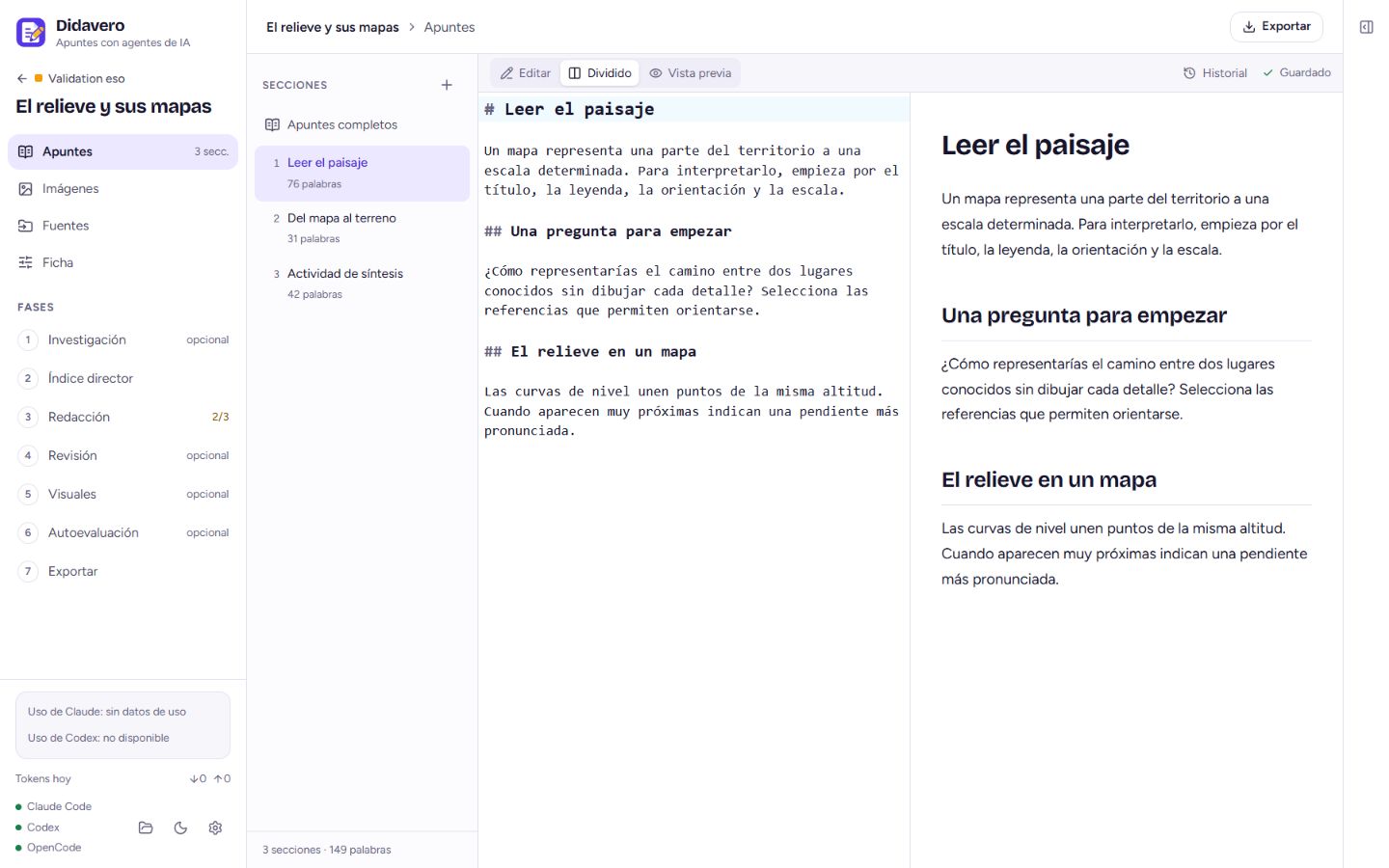
Start with your sources and curriculum. You decide how it reaches the classroom.
Turn your sources into explanations you can edit, review and export.
Prepare questions, rubrics and adapted versions with teacher review.
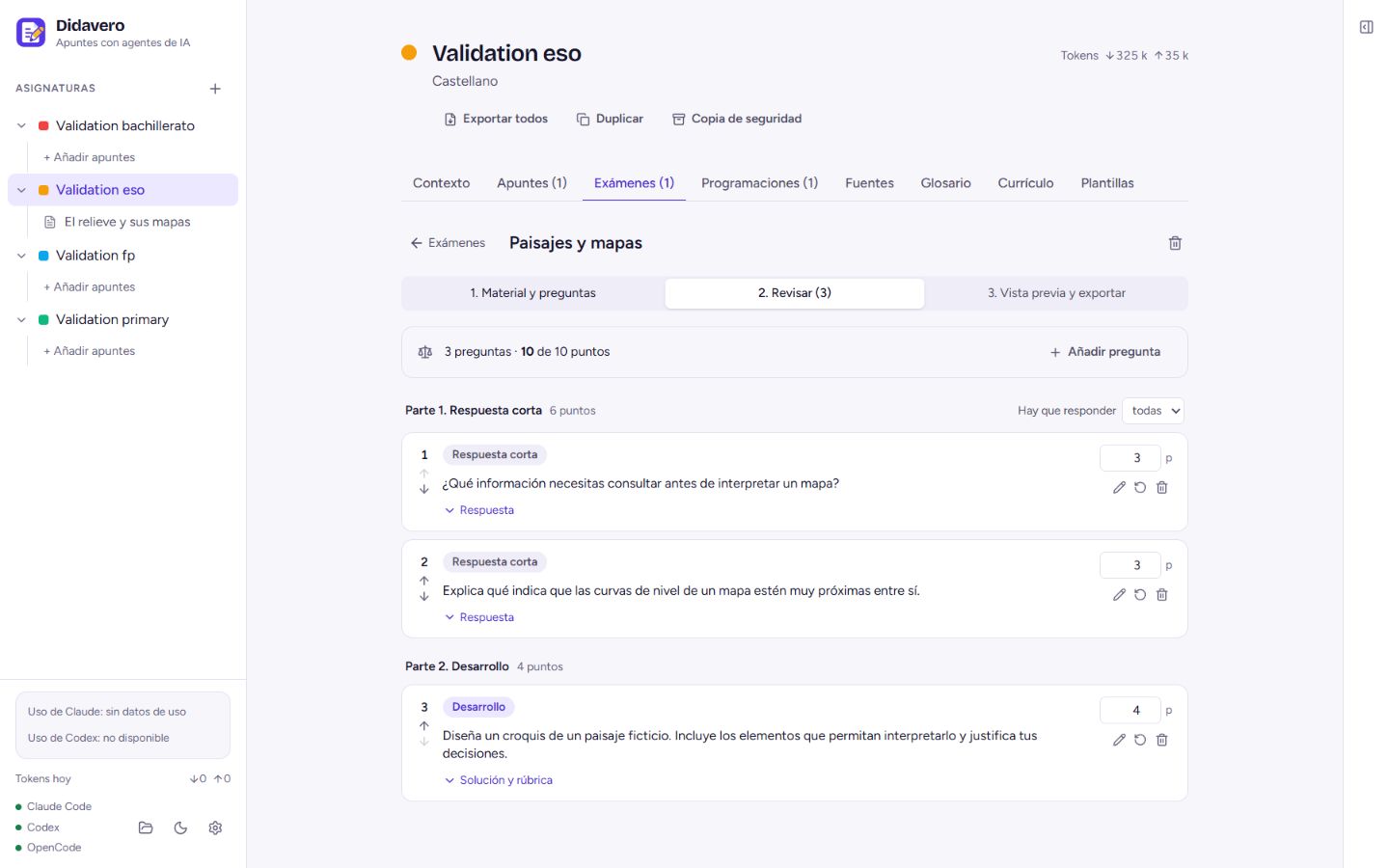
Connect curriculum, units, activities and assessment in one project.
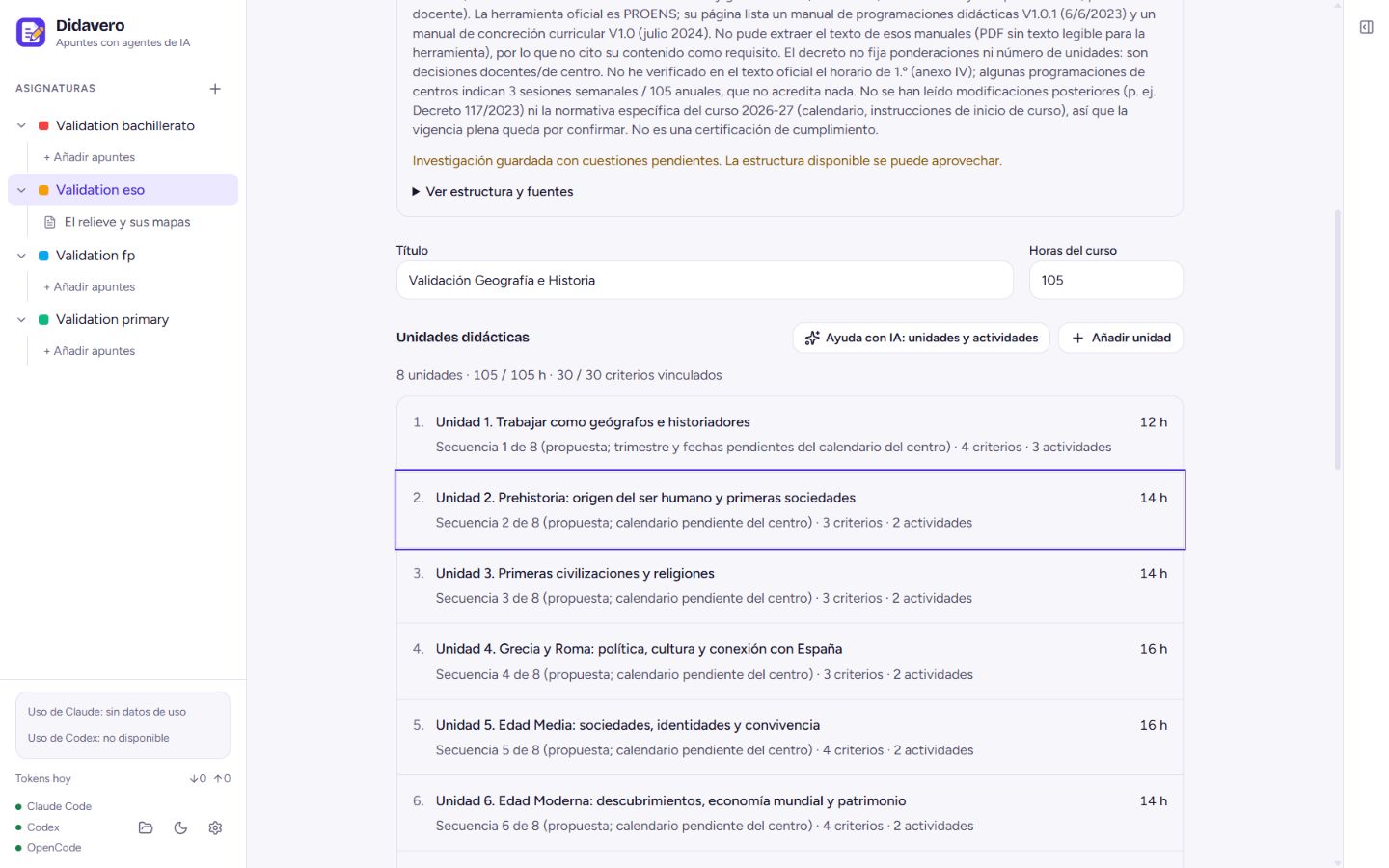
Screenshots show the preview version. Check each download’s version and features.
Organise references in a tree, move branches and connect units and activities to what you need to teach.
Research proposes the structure. The active version retains reviewed work. New decisions are prepared in a draft.
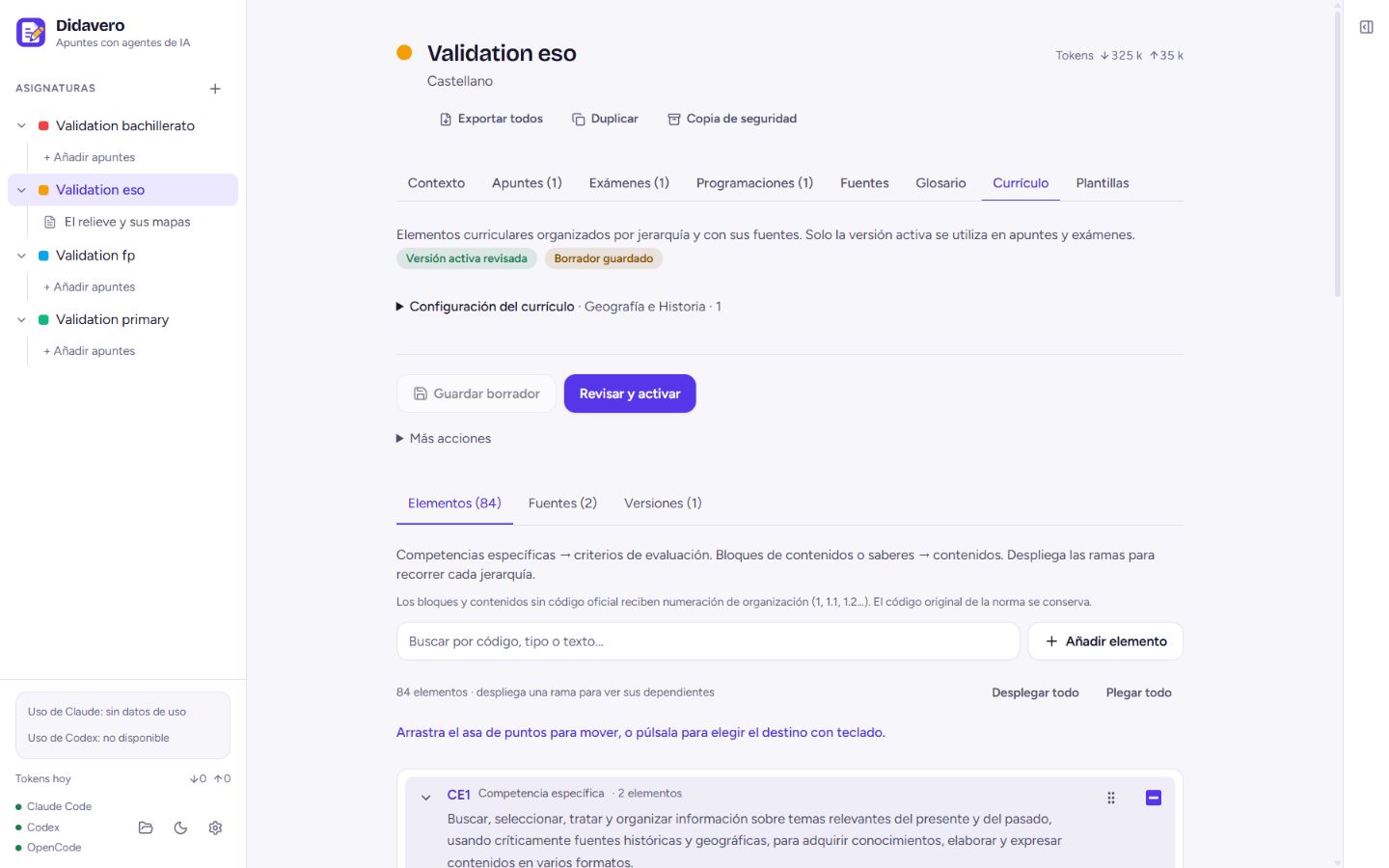
AI proposes. The teacher checks, edits and decides what to use.
Projects are saved locally. Using AI may send the necessary content to your configured provider. Check its policy and avoid learners’ personal data.
Understand where data goes ↗References support review but do not guarantee correct answers or compliance with a selection call. Always check the applicable official rules.
What AI does and where its limits are ↗Download the app and start with a test project.
Install and configure Claude Code, Codex or OpenCode. Models, subscriptions and AI usage depend on your chosen provider.
No. Didavero uses the tools and accounts you configure. Check their costs and limits before starting jobs.
Storage and editing are local. Generation depends on your configured provider; web research, downloads and other external resources need a connection.
Start with fictional or anonymised data. Before processing personal data, your institution must assess legal basis, providers, transfers and risks.
Email pablo@didavero.com or open a GitHub issue. Include the version and steps, using an example without confidential information.